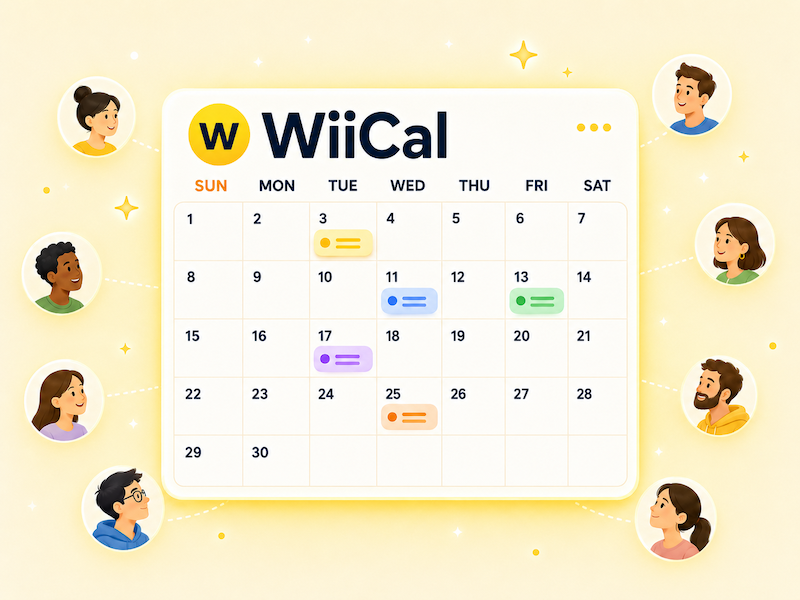
Creating an event calendar helps you keep dates, deadlines, live streams, ticket sales, and related announcements in one place. Instead of repeating the same schedule across social posts or chat messages, you can share one calendar URL and keep it updated.
What is an event calendar?
An event calendar is a calendar that organizes multiple events or related dates in a single view. It is useful for concerts, tours, exhibitions, webinars, community events, product launches, campaigns, and online streams.
If your schedule may change after the first announcement, an event calendar is easier to maintain than a static image or a single social media post.
What to prepare first
Before you create an event calendar, decide the basics.
- Calendar name
- Calendar description
- Date range to publish
- Details to include for each event
- Where you will share the calendar
- Who will keep it updated
A good calendar name should tell people what the calendar is for. For example, “Spring 2026 Events” is usable, but “Wiical Fan Events: Spring 2026 Schedule” is clearer because it includes the audience and the date range.
Details to add to each event
For each event, include the information people need to decide what to do next.
- Event title
- Start date and time
- End date and time
- Location or stream URL
- Registration or detail page
- Short notes
If the title alone is not enough, use the description to add requirements, pricing, meeting time, or important notes. Keep the description concise and link to a detail page when the explanation is long.
How to create an event calendar with Wiical
With Wiical, you can create a calendar, add events, and share the calendar URL with your audience.
Checklist before publishing
Before you share the calendar, check the following items.
- Dates, times, and time zones are correct
- Event titles are clear in the calendar view
- Links open the right pages
- Private notes are not included
- The shared URL looks correct when opened by another user
Do not only check the calendar from the editor view. Open the shared URL in another browser or while logged out so you can see what your audience will see.
FAQ
Can I edit the event calendar after publishing?
Yes. An event calendar is useful because you can continue adding or editing events after you share it. This is especially helpful when schedules may change.
Is a social media post enough?
Social media is useful for announcements, but schedule information can get buried quickly. An event calendar gives people one stable place to check the latest dates.
What type of events work well in a calendar?
Calendars work well for tours, campaigns, public events, webinars, releases, deadlines, and any schedule with more than one date.
Summary
An event calendar makes it easier to organize multiple dates and share the latest schedule with your audience. Start by deciding the calendar name, date range, and event details, then create the calendar in Wiical and share the URL.