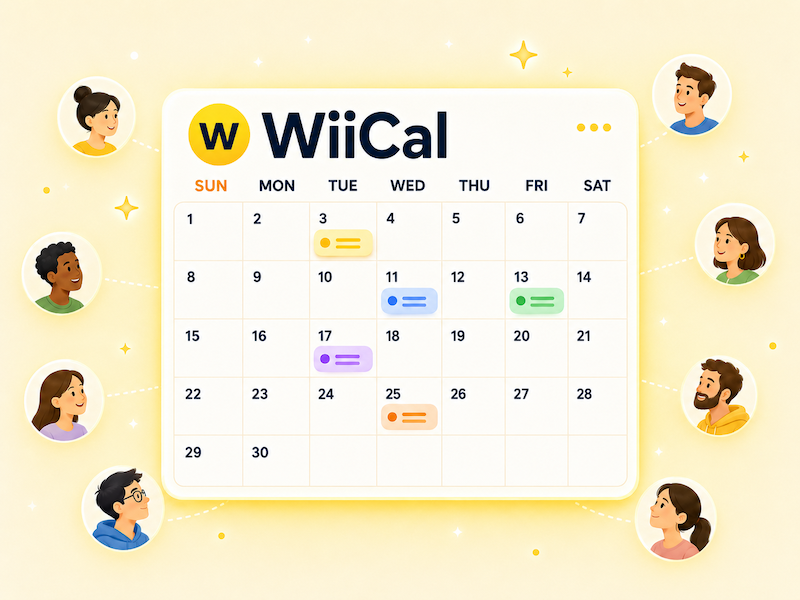
You do not need a custom website or a new graphic every month to share upcoming events. A free online event calendar can give attendees a clear, updateable schedule that you can link from social media, email, and your website.
The important part is not just publishing dates. It is giving people enough information to decide whether to attend and a reliable place to return when details change.
Prepare the event details first
Before creating your calendar, gather the details for each confirmed event.
- Event title
- Date, start time, and end time
- Venue or online location
- Registration, ticket, or detail link
- Price, audience, and important notes
Use the same fields for every event. A consistent format makes the schedule easier to scan and makes future updates less error-prone.
Create and share the calendar
- Create a calendar with a name that explains its audience and purpose.
- Add the confirmed upcoming events.
- Include a clear location and link for each event.
- Open the public view on a phone to check it.
- Share the calendar URL in the places your audience already uses.
A name like “Upcoming Events” is workable, but “Harbor Studio Workshops and Events” is more useful when the link is shared outside your own website. It tells new visitors what they will find before they open it.
Use graphics for promotion, not as the only schedule
Event graphics are still valuable for social media and print. They create attention quickly. But static images are hard to correct, cannot contain useful links, and become outdated as soon as you add a date.
Use a graphic or post to announce the month, then direct people to your live calendar for the full schedule and latest details. This gives you the visual impact of a graphic without making it the only place attendees can find information.
Check before publishing
- Dates and time zones are correct
- Registration links work
- Cancelled or sold-out events are labelled clearly
- Private notes are not visible
- The calendar is easy to read on mobile
Wiical lets you create a calendar, add events, and share a public URL. Start with a few upcoming dates and use the same link as your schedule grows.
FAQ
Is a calendar useful for one event?
A single event may only need a detail or registration page. A calendar becomes more useful when you have recurring dates, related events, deadlines, or a schedule that will keep growing.
Where should I share my event calendar link?
Put it in your social bio, website, newsletter, event confirmation emails, and pinned posts. Use a clear label so visitors know it leads to upcoming events.
Summary
A free event calendar is a simple way to publish a schedule that can keep changing. Gather the essentials, create a public calendar, check it on mobile, and use one shareable link everywhere you promote your events.