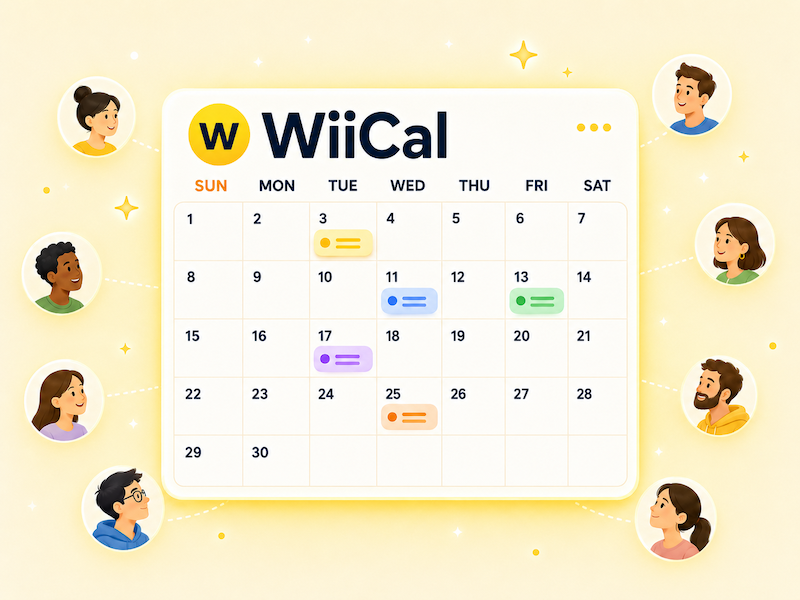
A public calendar gives your audience one reliable place to check dates, events, deadlines, livestreams, store hours, or team schedules. Instead of repeating the same information across social posts, chat messages, and emails, you can share one calendar URL and keep it updated.
This is especially useful when your schedule changes, new events are added, or many people need the same information. A public calendar turns scattered announcements into a single, easy-to-follow schedule.
What is a public calendar?
A public calendar is a calendar that can be viewed by people outside your private workspace or personal account. It is used to share schedules with an audience, customers, fans, community members, students, teammates, or anyone who needs to see upcoming dates.
Unlike a private calendar for personal planning, a public calendar is designed for communication. The goal is not only to store dates, but to make upcoming plans easy for other people to understand.
Benefits of a public calendar
The main benefit of a public calendar is that it creates one source of truth for your schedule. When dates are spread across social media posts, images, newsletters, and chat threads, people may not know which information is current.
With a public calendar, you can keep sharing the same URL. When a new event is added or a date changes, you update the calendar instead of sending a new explanation to everyone.
- Give people one place to check the latest schedule
- Reduce repeated questions about dates and times
- Show events, deadlines, and announcements in date order
- Make schedules easy to share with a URL
- Keep information up to date after publishing
Common public calendar use cases
Public calendars are useful whenever you need to share more than one date or keep a schedule updated over time.
- Events, concerts, tours, exhibitions, and webinars
- Livestreams, video releases, launches, and campaigns
- Store hours, holidays, reservation days, and availability
- Club, team, classroom, or community schedules
- Fan activities, release schedules, and important dates
- Registration starts, deadlines, lottery results, and reminders
If people often ask "When is the next one?" or "Where can I check the latest dates?", a public calendar can make that answer much simpler.
What to decide before creating one
Before you create a public calendar, define the purpose. Who is the calendar for, what dates should it include, and how long should it stay active?
- Calendar name
- Short calendar description
- Date range to publish
- Details to include for each event
- Places where you will share the URL
- Person or team responsible for updates
A clear calendar name helps people understand it at a glance. For example, "Spring Schedule" is less helpful than "Spring 2026 Live Event Public Calendar" because it explains the topic, format, and time range.
What to include in each event
Each event should include enough information for someone to understand what is happening and what to do next.
- Event title
- Start and end date
- Location or livestream URL
- Registration or detail page
- Price, requirements, or important notes
- Update notes when the schedule changes
Keep descriptions concise. If an event needs a long explanation, add the key details in the calendar and link to a dedicated page for the full information.
Checklist before sharing
A public calendar is meant to be viewed by other people, so check it from their perspective before sharing the URL.
- Dates, times, and time zones are correct
- Event titles are clear in the calendar view
- Links open the right pages
- Private notes are not included
- The calendar is readable on mobile
- The public URL has been checked while logged out
Do not only review the calendar from the editing screen. Open the public URL in another browser or while logged out so you can see what your audience will see.
Create a public calendar with Wiical
Wiical helps you create a calendar, add events, and share the calendar with a public URL. You can use it for event schedules, group plans, fan activities, store updates, community calendars, and other schedules that people need to check repeatedly.
Because the calendar is shared with a URL, you can place it in a social media profile, pinned post, chat, email, or website. When events are added or updated, people can return to the same URL and see the latest information.
To get started smoothly, prepare a calendar name, a short description, and a few events you want to publish. Then create the calendar in Wiical, add the events, and share the URL where your audience already looks for updates.
FAQ
Can anyone view a public calendar?
If a calendar is public, people who have the URL or access the public page can view it. Before sharing, make sure private notes or internal information are not included.
Is a social media post enough?
Social media is useful for announcements, but schedule details can get buried quickly. A public calendar gives people one stable place to check the latest dates.
Can I update a public calendar after sharing it?
Yes. That is one of the main reasons to use a public calendar. You can update the calendar and keep using the same shared URL.
Summary
A public calendar helps you organize multiple dates and give people one dependable place to check the latest schedule. It is useful for events, teams, stores, launches, community activities, and any plan that changes over time.
With Wiical, you can publish schedules as a calendar and share them with a URL. Start with a small calendar, add the events your audience needs most, and make your schedule easier to find and follow.