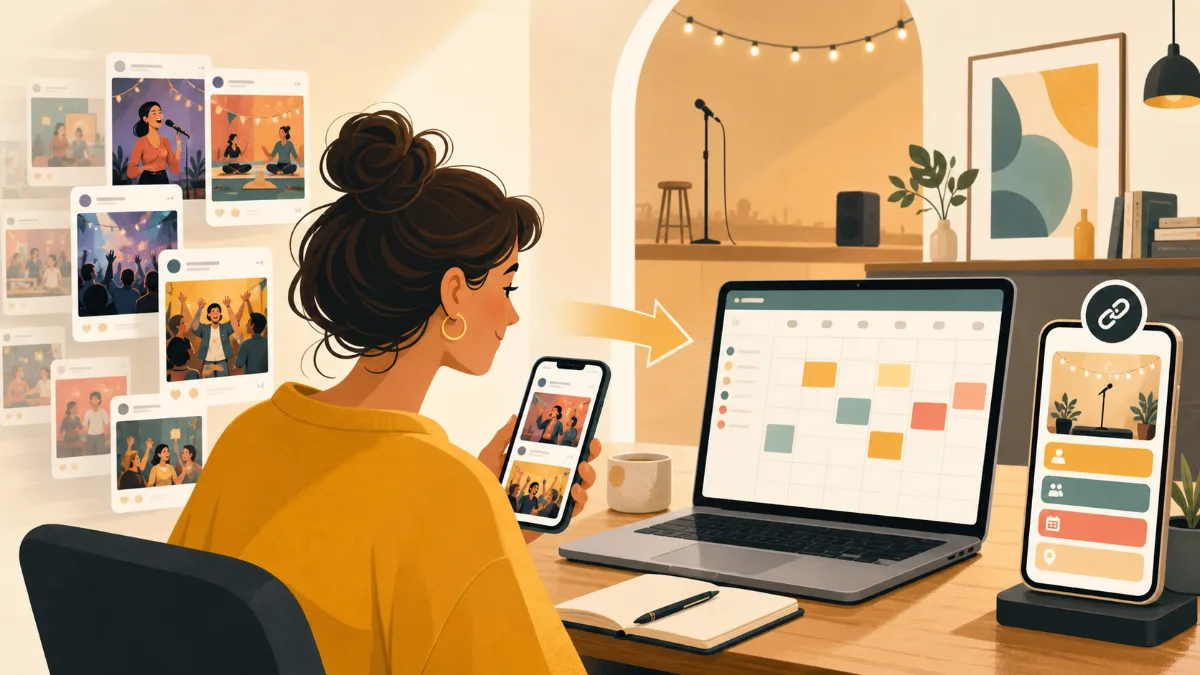
Instagram is excellent for making an event feel worth attending. But posts move down the feed, Stories expire, and a follower who finds your profile later may not know which announcement contains the current date.
The answer is not to stop posting. Use Instagram for promotion and a public event calendar for the schedule itself. Your posts create interest; the calendar gives people one place to check what is next.
What gets lost when events live only in posts
- Followers cannot easily tell which event post is the newest
- Old dates can remain visible after plans change
- People have to compare multiple posts to see the full schedule
- New visitors may leave without finding a date that works for them
- Organizers receive repeated DMs asking for upcoming dates
Use a link-in-bio event calendar
Add a clearly labelled link to your profile, such as “Upcoming events” or “Event calendar.” That link should open a mobile-friendly list of every upcoming date. Keep it the same as you add new events.
In each post or Story, focus on the event’s visual appeal and the reason to attend. Then add a simple call to action: “See all upcoming dates in our bio.” This gives followers an obvious next step without turning every caption into a long schedule.
What your calendar should answer
Someone who taps from Instagram should be able to answer these questions quickly:
- What is the event?
- When does it start and end?
- Where is it happening?
- Do I need a ticket or RSVP?
- Where can I get the latest details?
Include a detail or registration link for every event. If a date changes, edit the calendar before you publish the update on Instagram. Anyone arriving through an older post can still see the correct information.
Make the workflow repeatable
Add “update the event calendar” to the checklist you use before publishing a post. This is especially helpful for venues and small businesses with several event types. A calendar can hold the factual schedule, while your social content can focus on photos, hosts, performers, or behind-the-scenes updates.
Wiical lets you publish a calendar with a shareable URL that works well as the destination for a profile link. Learn more about the broader approach in What Is a Public Calendar?.
FAQ
Are Instagram Highlights enough for an event schedule?
Highlights are useful for saved promotion and event recaps. For a changing, date-ordered schedule, a public calendar is easier to keep current and easier for visitors to scan.
Should every Instagram post link to one event?
Promote individual events when appropriate, but keep a full schedule link in your bio as well. That way people can discover other dates even if the event in the post does not suit them.
Summary
Instagram can create attention, but it should not be the only place your schedule lives. Use a link-in-bio event calendar as the stable home for upcoming dates, and keep using posts to bring people there.