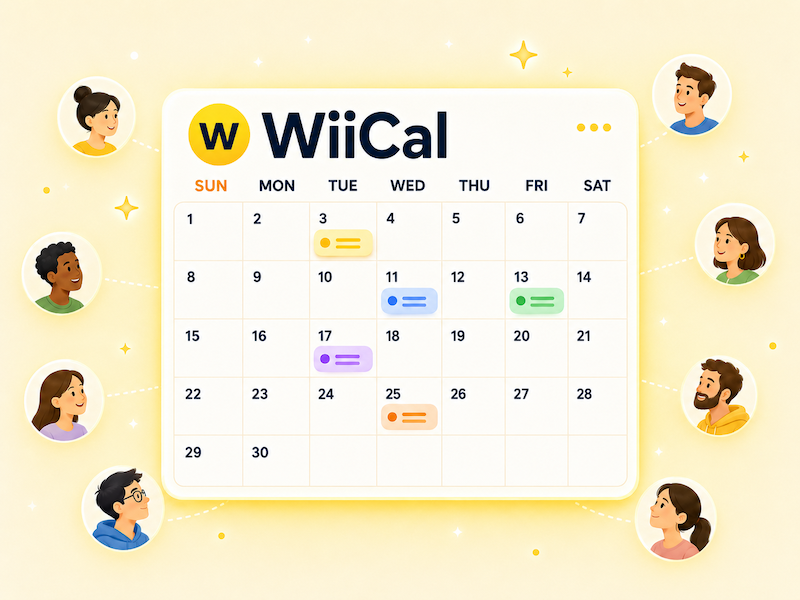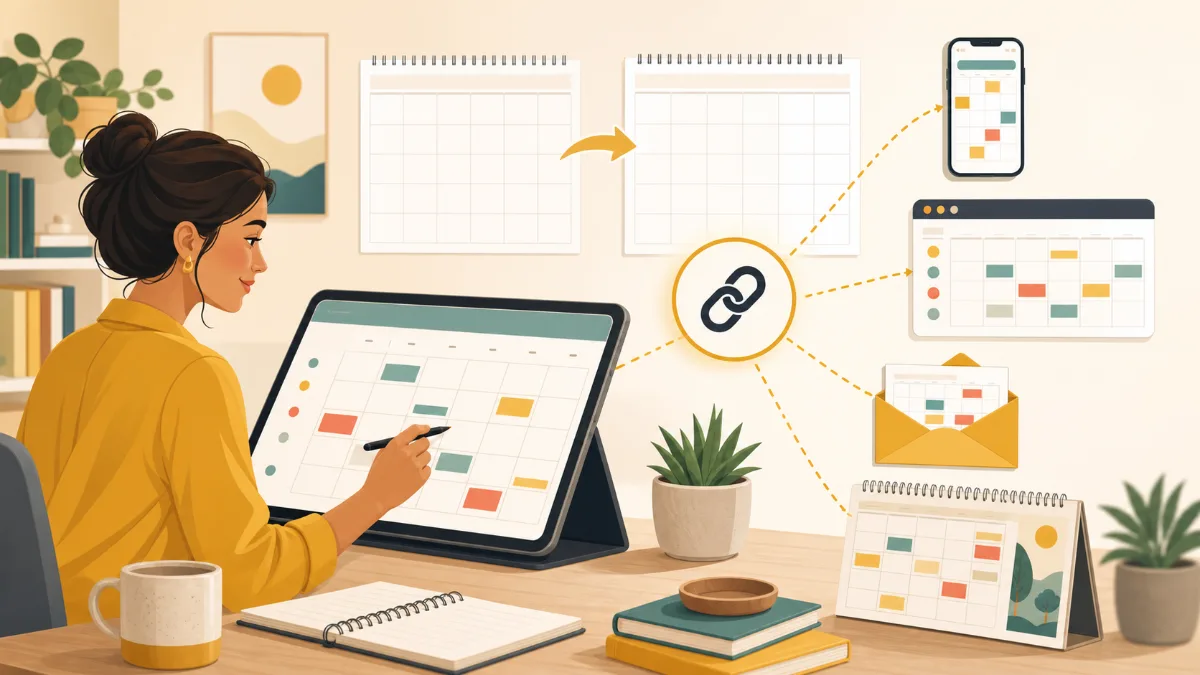
A better approach is to give your audience one permanent event calendar link. The URL stays the same while the calendar is updated with new dates, changes, and cancellations.
Why a permanent event schedule link works
- Your link in bio does not need to change every month
- Old posts and emails can still lead people to current information
- People learn where to check whenever they want to know what is next
- You update the schedule once instead of replacing links across channels
Choose a calendar name that lasts beyond a single month or year, such as “Riverside Gallery Events” or “Downtown Workshop Schedule.” A date-specific calendar is useful for a limited festival; an ongoing venue or community schedule should usually keep one home.
A simple monthly update routine
- Add confirmed events for the next month before the current month ends.
- Check times, time zones, venues, and registration links.
- Update changes or cancellations in the existing event entries.
- Post a monthly announcement that points to the same schedule link.
- Keep the link in your bio, website navigation, and email footer.
This routine is easier to sustain when one person owns the calendar update, even if several people contribute event details. The goal is not to remove every past event immediately; it is to make upcoming events easy to find.
Where to place the link
Use the same URL wherever someone may look for your next event: a social media bio, a pinned post, your website’s Events page, newsletters, confirmation emails, and printed materials. Label it clearly: “Upcoming events,” “Event calendar,” or “What’s on.”
Wiical gives your public event calendar a shareable URL, so you can add and edit events without replacing the link. For the wider setup process, read Calendar Sharing: How to Share Schedules Clearly.
FAQ
Should I make a new calendar every year?
Not if the calendar represents an ongoing organization, venue, or event series. Keep one calendar for the continuing topic and use separate calendars only for time-limited programs or audiences with different needs.
What if there are no events this month?
Keep the same calendar live. When new dates are confirmed, add them there. A consistent place to check is still useful, even during a quiet period.
Summary
A single event schedule link is easier for your audience to remember and easier for you to manage. Update the calendar, not the URL, and make that link the permanent home for your upcoming events.